Unity of Command II Trainer
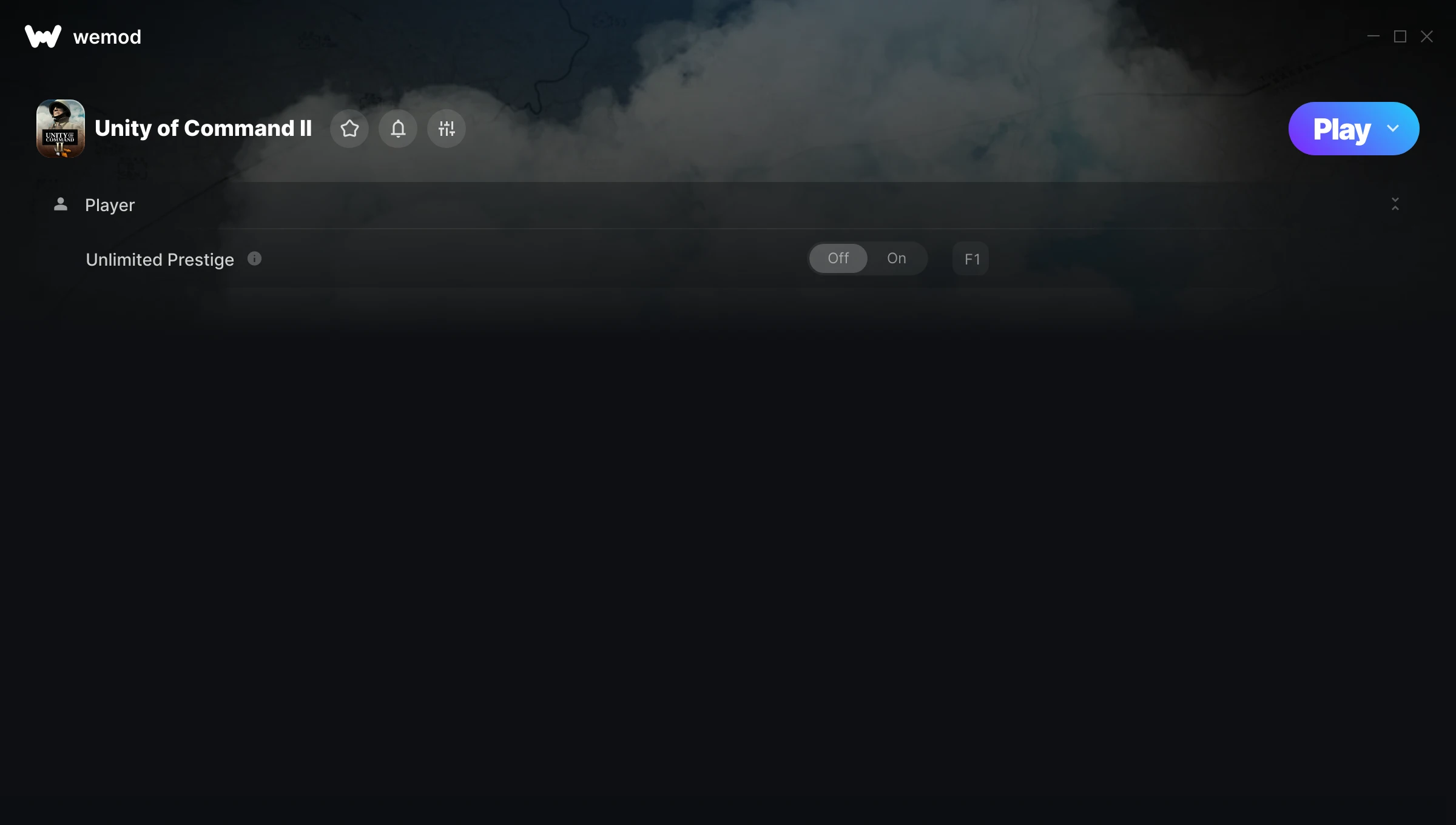
The Unity of Command II Trainer gives you access to 1 cheats that let you play the game however you want. Struggling with a tough section? Want to skip the grind? Just want to mess around? This trainer has you covered.
Once you try god mode in this game, it’s hard to go back. Just saying.
Unity of Command II has been a go-to simulator and strategy title since 2019, and players are still finding new ways to enjoy it.
This trainer is auto-updating – it patches itself every time the game gets an update, so you never have to hunt for a new download. Just install it once and you’re set.
Unity of Command II Trainer Cheats
This trainer includes 1 cheats for tweaking your gameplay.
| # | Cheat | Effect |
|---|---|---|
| 1 | Unlimited Prestige | Remove all limits on your prestige |
Download Unity of Command II Trainer
Download the latest version of this trainer for PC below.
| Version | Creator | Platform | Date Added | Download |
|---|---|---|---|---|
| Auto-Updating Version (Latest) | MrAntiFun | Steam | 2025-12-10 | Download |
How to Use This Trainer
- Open Unity of Command II – Launch the game and wait until you’re in-game or at the main menu. The trainer needs the game process running to hook into it.
- Activate WeMod – Run the WeMod app, locate “Unity of Command II”, and hit Play. WeMod attaches to the game and shows you the full cheat list in the overlay.
- Activate Cheats – Toggle the cheats you want using the WeMod overlay or press the assigned hotkeys. Cheats activate in real-time while you play.
- Game On – You’re set. Head back into Unity of Command II and have fun. Remember, you can toggle cheats at any time – find the combination that works best for you.
Tips & Known Issues
- This trainer is strictly for single-player gameplay. Anti-cheat software in online modes will flag and ban your account.
- For the smoothest experience on Steam, switch off the Steam Overlay in your Steam settings before running the trainer.
- Trainers modify game memory, which can trigger antivirus warnings. These are false positives – add an exception if needed.
- Trainer compatibility depends on game version. If cheats aren’t activating, check that your game is up to date.
- WeMod handles version compatibility automatically. When the game updates, the trainer follows shortly after.
Frequently Asked Questions
Will the trainer work with the latest game version?
The auto-updating trainer stays compatible with new patches on its own. If you grabbed the Standalone version, you might need to check for a newer release after big updates.
How do I know which version to download?
This trainer auto-updates whenever the game is patched, so you always have the latest compatible version. Just download it once and you’re set.
How do I use this trainer?
Download the trainer, run it alongside the game, and use the hotkeys to toggle cheats on and off. It really is that simple.
How often is this trainer updated?
This trainer auto-updates shortly after each game patch, so it stays compatible without you having to do anything.
Does this trainer work with Steam?
Yes, it works with the Steam version of the game.