War on the Sea Trainer
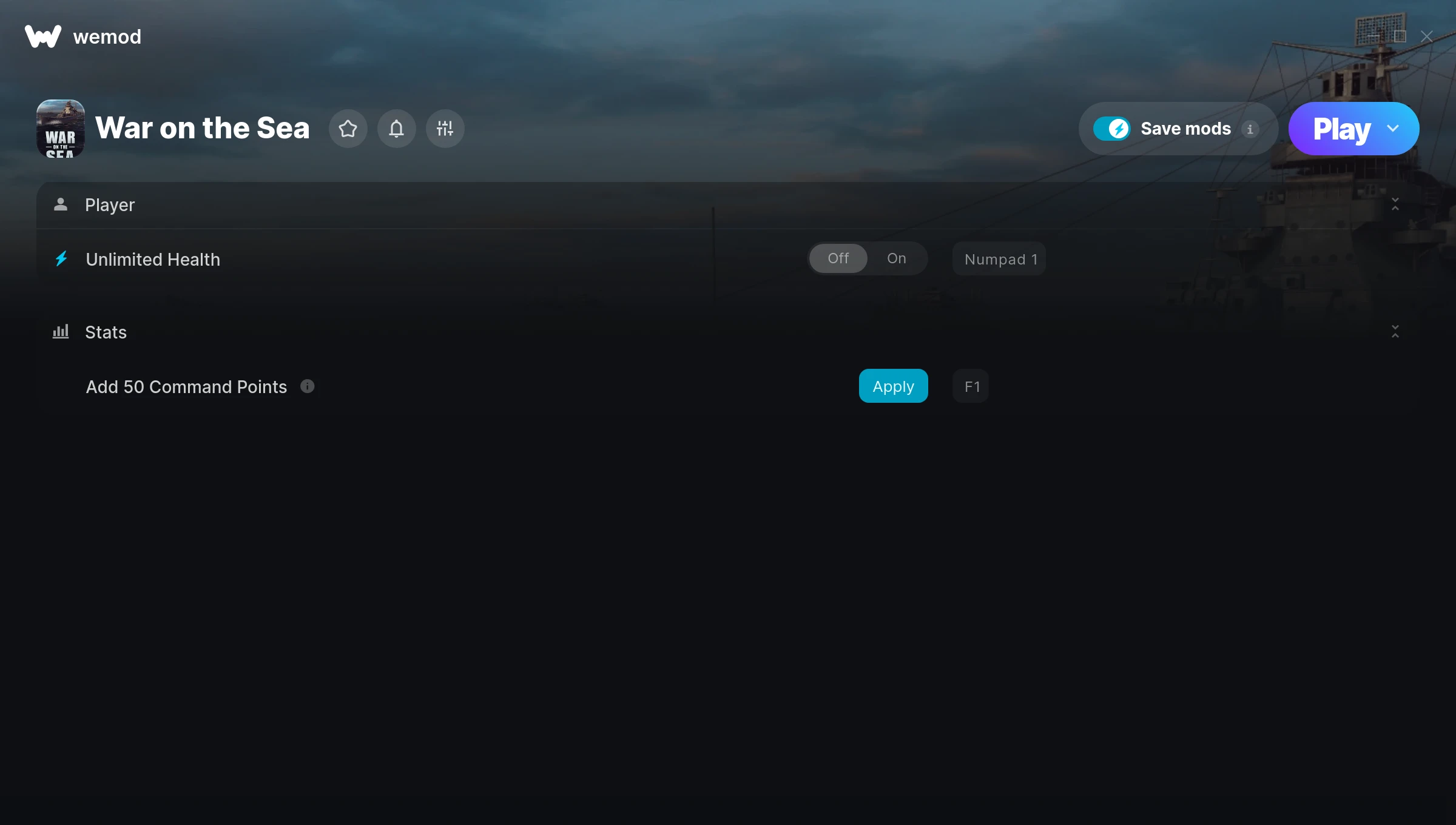
The War on the Sea Trainer gives you access to 2 cheats that let you play the game however you want. Struggling with a tough section? Want to skip the grind? Just want to mess around? This trainer has you covered.
The cheat list below covers basically everything you’d want to tweak. Health, resources, speed – all of it.
Since its 2021 release, War on the Sea has built a loyal following among simulator and strategy fans looking to customize their playthrough.
Once you’ve got this trainer installed, it takes care of itself. Every time the game gets a patch, the trainer updates automatically so your cheats keep working.
War on the Sea Trainer Cheats
This trainer includes 2 cheats covering health.
| # | Cheat | Effect |
|---|---|---|
| 1 | Unlimited Health | Your health stays maxed out no matter what hits you |
| 2 | Add 50 Command Points | Give yourself more 50 command points on demand |
Download War on the Sea Trainer
Download the latest version of this trainer for PC below.
| Version | Creator | Platform | Date Added | Download |
|---|---|---|---|---|
| Auto-Updating Version (Latest) | STiNGERR | Steam | 2025-12-10 | Download |
How to Use This Trainer
- Open War on the Sea – Launch the game and wait until you’re in-game or at the main menu. The trainer needs the game process running to hook into it.
- Connect WeMod – Launch the WeMod application and find “War on the Sea” in the library. Press Play and WeMod will hook into the running game automatically.
- Enable the Cheats You Want – Use the WeMod overlay to enable any combination of cheats. Everything activates in real-time while the game is running.
- Jump Back In – You’re good to go. Return to the game and enjoy your modified experience. Toggle cheats on or off anytime as you play.
Tips & Known Issues
- Never activate this trainer during online play. It’s built for single-player only and multiplayer anti-cheat will catch it.
- Your antivirus might quarantine the trainer file. This is a known false positive – whitelist the trainer in your security software.
- Make a copy of your save data before experimenting with cheats. Better safe than sorry.
- Steam’s in-game overlay sometimes interferes with trainers. If cheats aren’t activating, disable it in Steam > Settings > In-Game.
- The WeMod version updates itself automatically after each game patch. No action needed on your end.
Frequently Asked Questions
What should I do if the trainer stops working after an update?
If a game patch breaks things, the auto-updating trainer will fix itself automatically – usually within a day or two.
How do I know which version to download?
This trainer auto-updates whenever the game is patched, so you always have the latest compatible version. Just download it once and you’re set.
Is this trainer compatible with mods?
Usually, yes. Trainers and mods can run side by side without issues. The only time you might hit a snag is if a mod changes the same values the trainer is targeting.
Is this trainer free to download?
It is. No hidden fees, no sign-up walls – just download it from the links above and start playing.
Can I get banned for using this trainer?
As long as you stick to single-player, you’re fine. Using cheats in multiplayer or online modes is a completely different story – don’t do it.
Does this trainer work with Steam?
It does. This trainer is built to work with the Steam version.